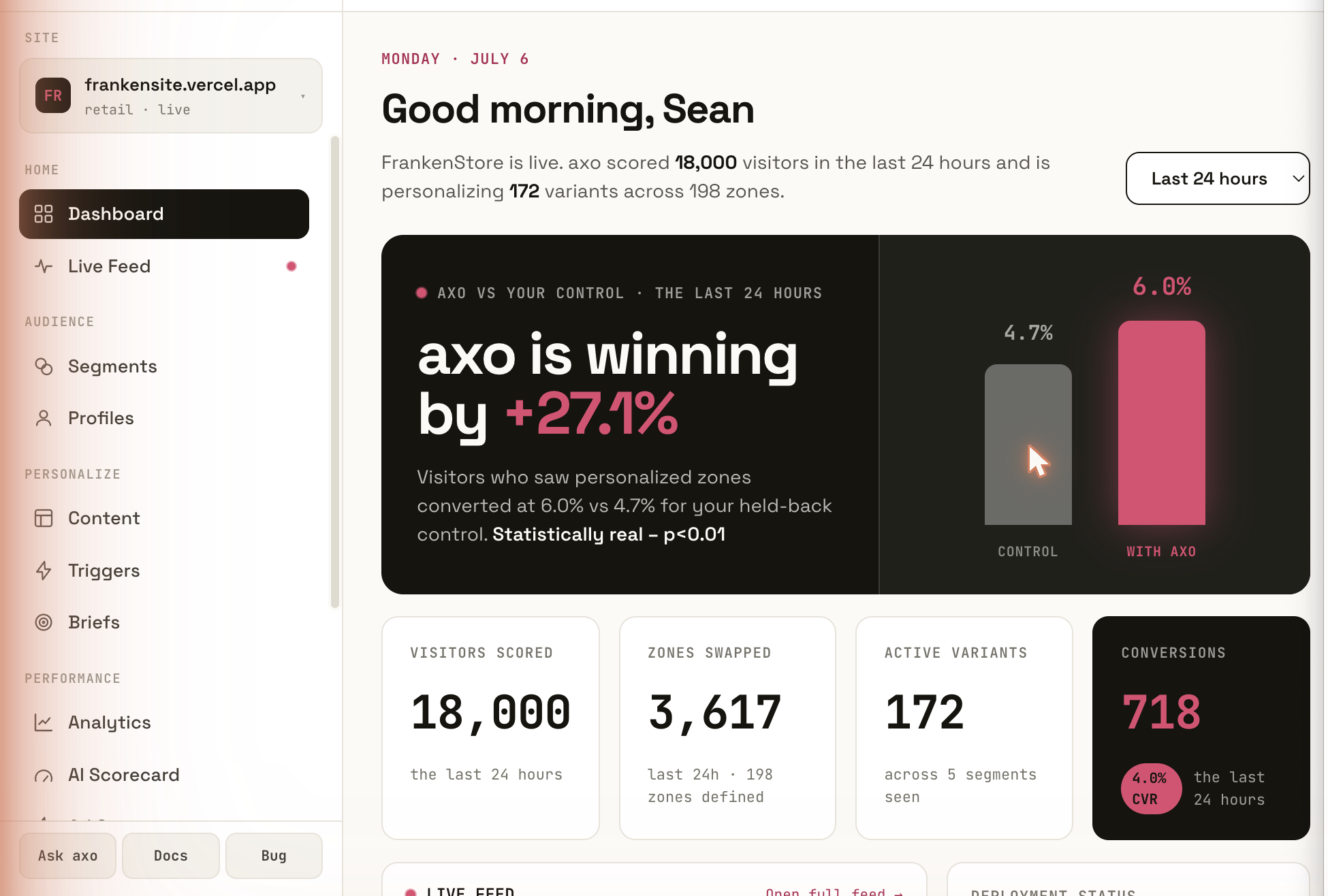
Live on your site in about fifteen minutes.
You add one script. AXO reads your site and finds the parts of each page that can change: the headline, the proof, the button, the form.
Through your tag manager
One script, added the way you add any other. No developer project, no redesign, no new pages.
It reads your site first
AXO works through your own sitemap, page by page, and learns what each page is for.
Nothing changes yet
Visitors see the site exactly as it was until someone on your team approves a change.
It reads what each visitor does, while they are still there.
Which options they compare. How long they sit on pricing. Whether they start the form and stall. That is available on every visitor from the first visit, before anyone tells you who they are.
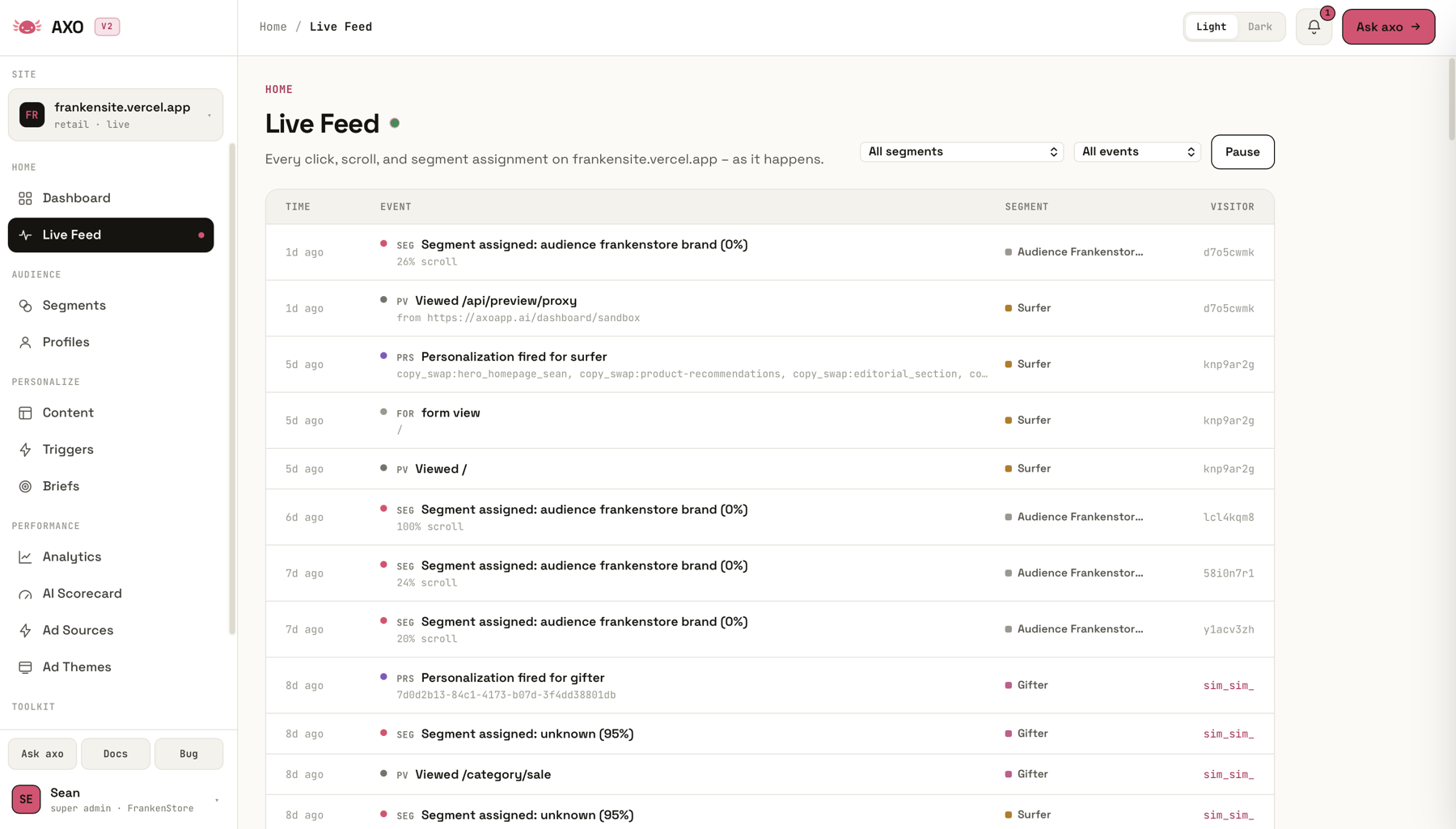
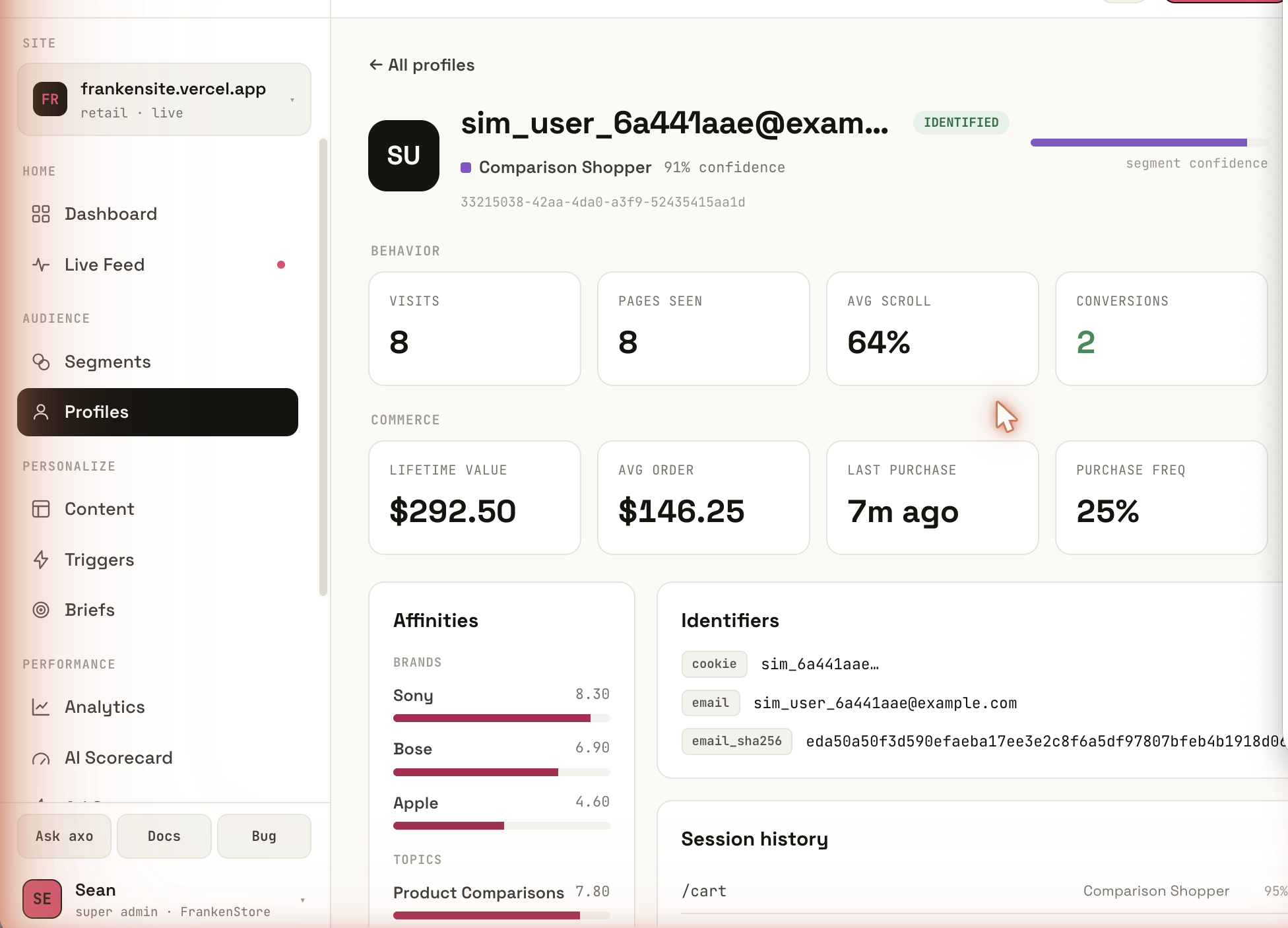
Nobody builds the list. Visitors sort themselves.
Audience tools ask you to define the groups up front: write the rule, refresh the list, repeat. A hand-written rule catches the few visitors it describes and misses everyone else. AXO starts from the other end. It reads what each visitor does, from the first visit, and the groups form from that on their own.
No rule to write
The comparer, the form staller and the returning customer show up as groups because they act like groups, not because someone described them first.
Sorted while they are there
AXO reads the behavior while the visitor is still on the page, so the version they get fits what they are doing now, not what a list said last night.
Your own groups still count
Add a campaign, a customer tier or a list from your CRM alongside the groups AXO finds. Each one gets its own version of the page.
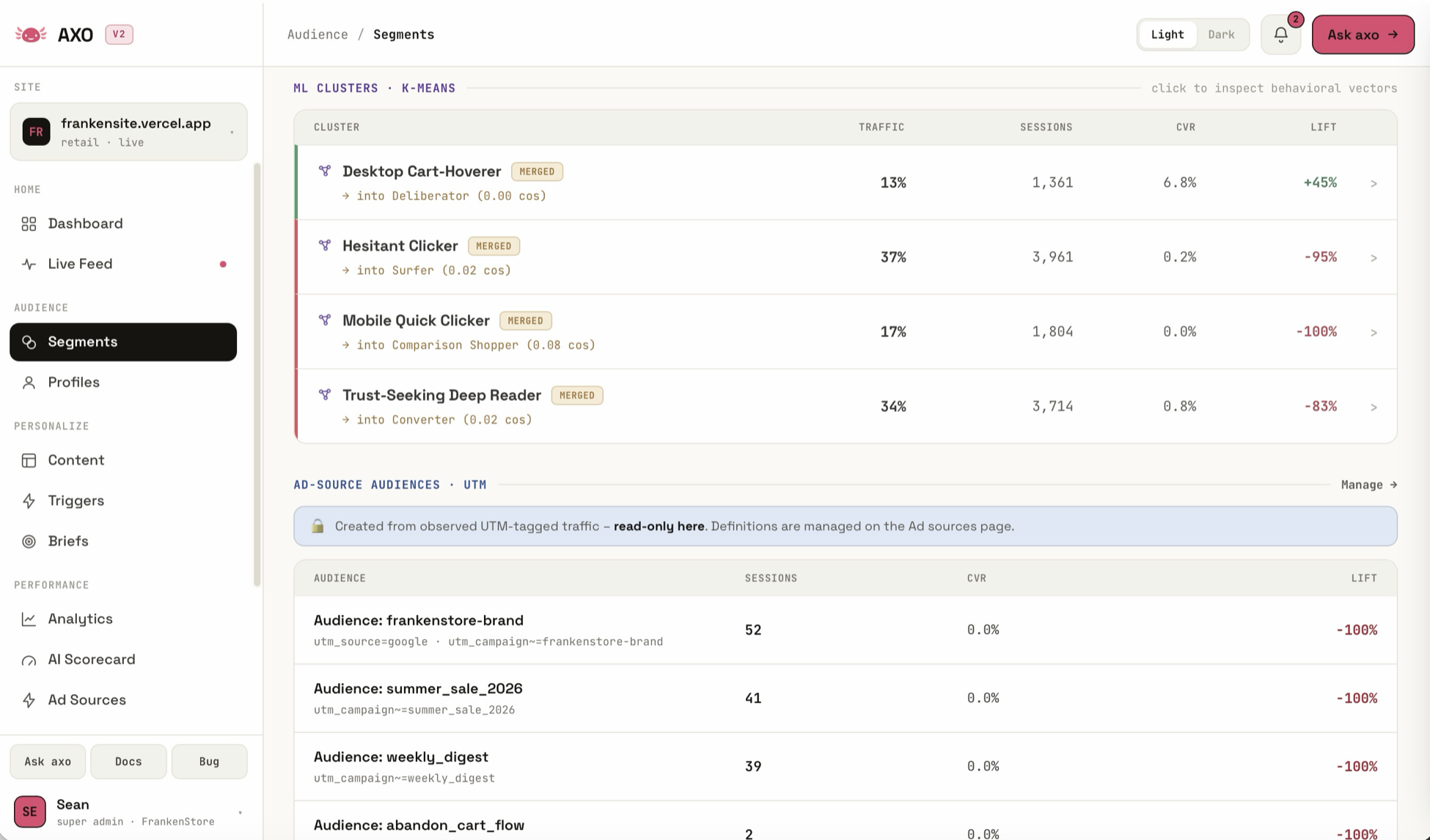
Same page. A different version for each group.
The parts of the page that can change are swapped before the page paints, so they only ever see their version. No developer ticket per change.
Headline and copy
The words that meet them, matched to what they are trying to do.
Proof
Reviews for the careful reader, a comparison for the comparer, a price for the bargain hunter.
Button, form and offer
A shorter form for people who stall. The next step that fits where they are.
Product picks and pop-ups
Recommendations learned from your own catalog, and messages timed to what they just did.
AI drafts. A person on your team approves.
AI writes the options ahead of time, in your brand voice. Which approved version each visitor sees is chosen by your rules and by statistics. No AI improvises in front of a visitor.
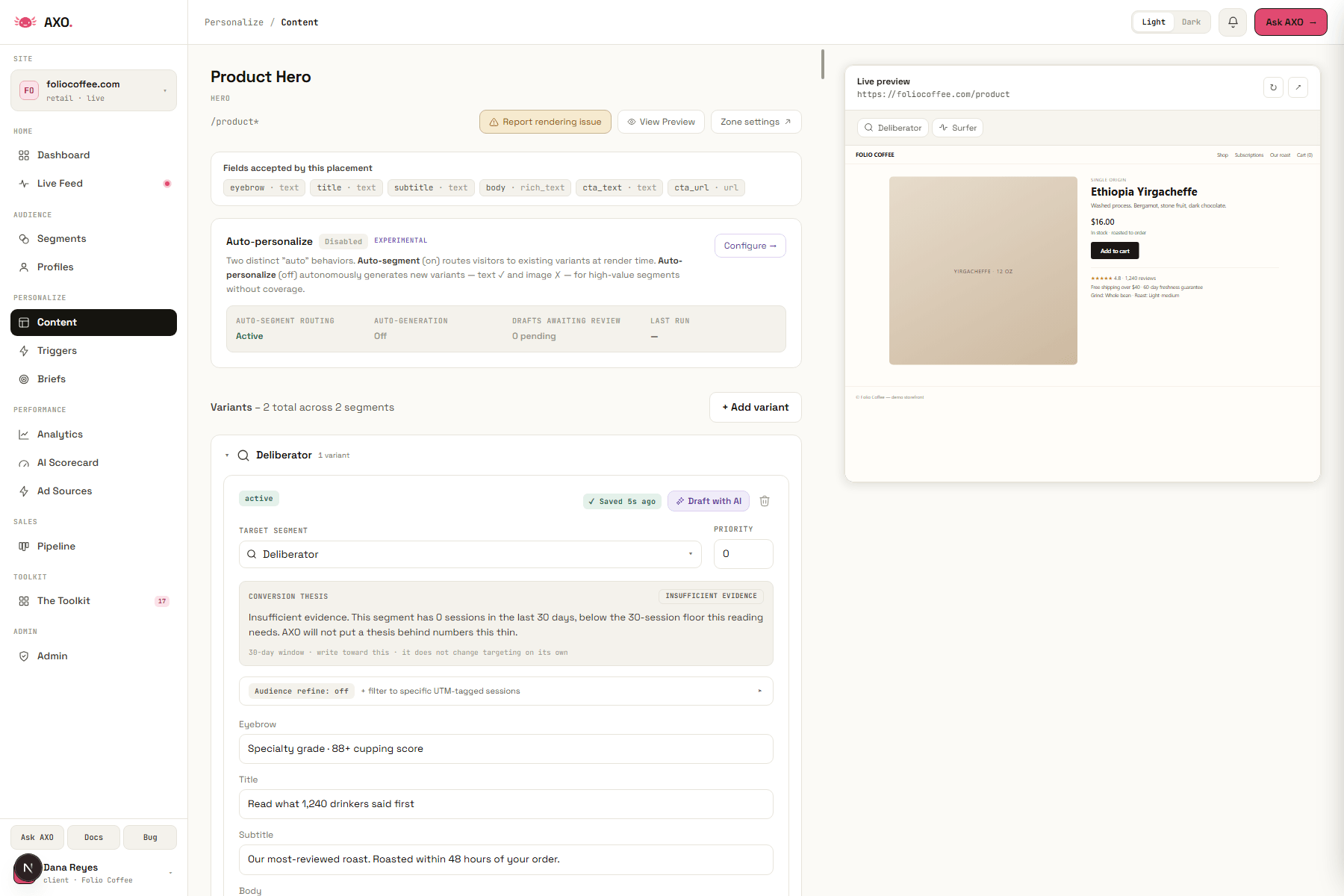
Measured at the conversion, not the impression.
A slice of visitors never sees a change. Both groups reach the same finish line – the form, the order, the signup – and the gap between them is the lift.
One in ten sees the original
That is the default. You can change the share. If you switch it off, the report says "no control group" instead of claiming lift.
Per page, per version
You see which change helped which group, at the form or the order.
Traffic follows what works
As results come in, more visitors see the versions that are working and fewer see the ones that are not.
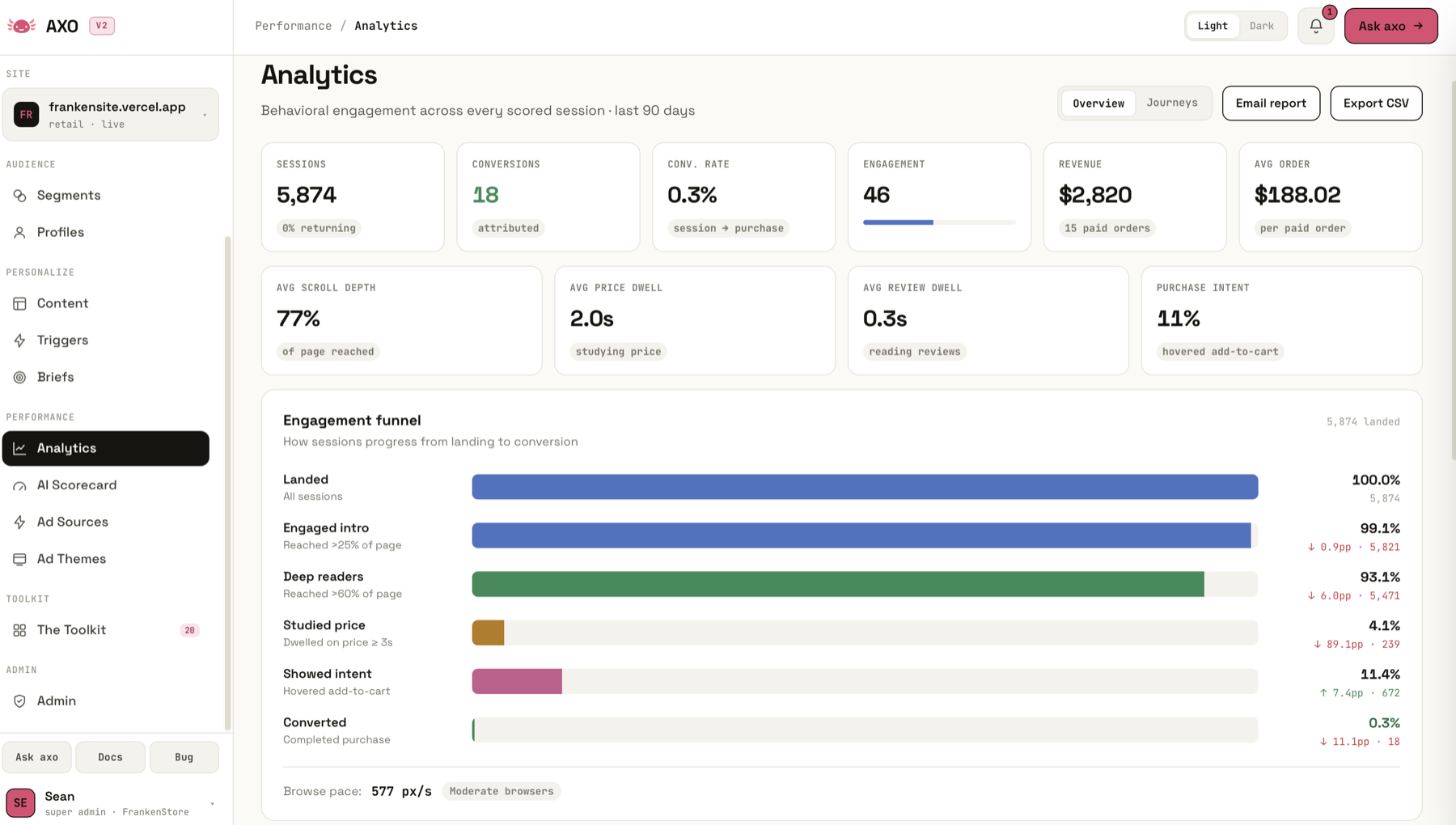
What it learns goes back to the systems you already own.
AXO does not replace the CRM or the warehouse. It tells them what happened on the site, so the site, the email and the ad agree.
Your CRM
Salesforce sync in both directions, plus a built-in lightweight CRM if you do not have one.
Email and ads
Groups go to your email platform. Conversions are reported back to Meta and Google from the server.
Everything else
Scheduled exports to your warehouse, and notifications to any other system when a profile changes.
Your team runs it. Or your AI assistant does.
Everything in the dashboard can also be done by the AI assistant your team already uses – Claude, ChatGPT and others – inside the permissions you give it. It can set up a page, draft the options and read the results. A person still approves what goes live.
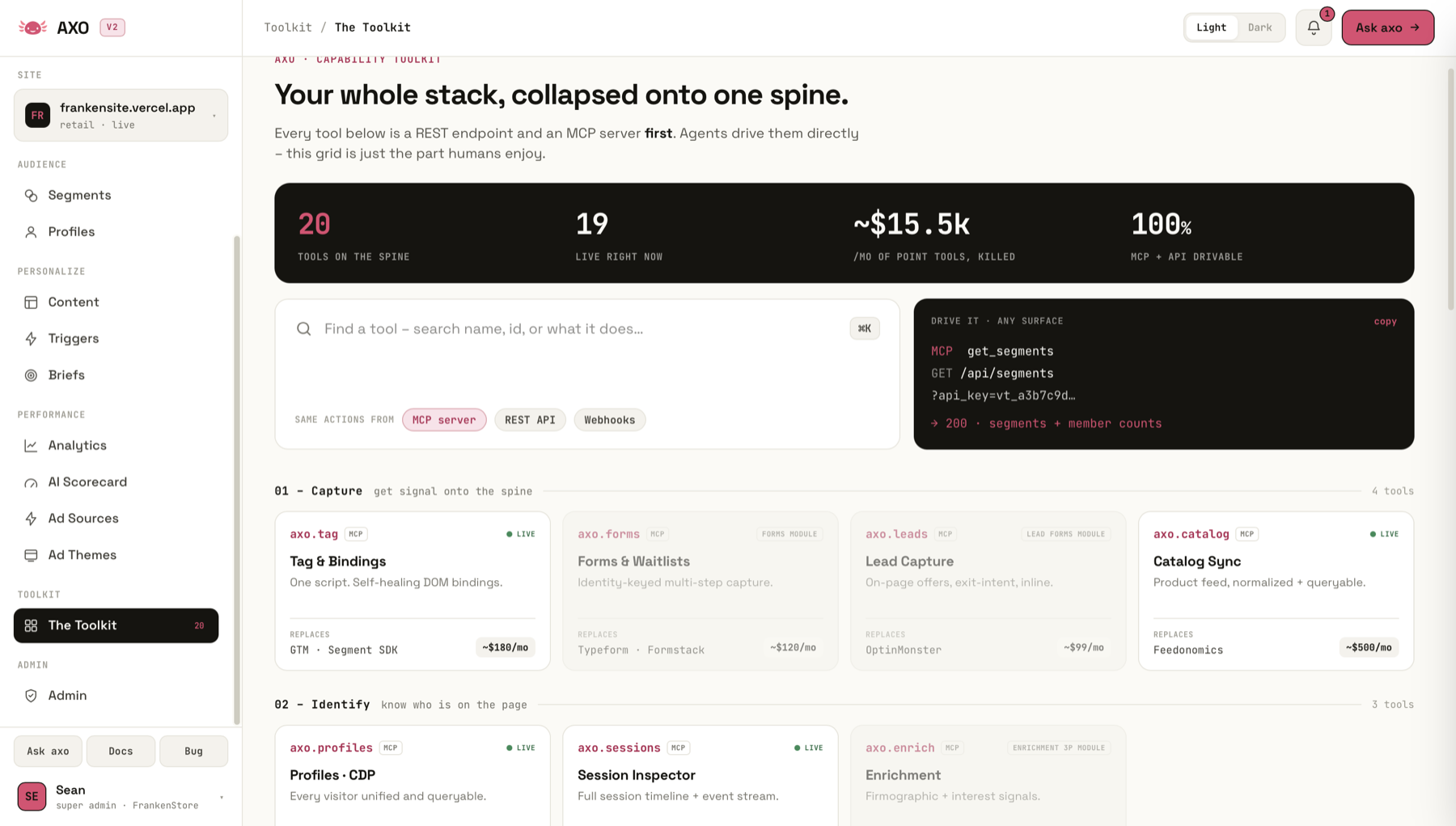
Four tools, four contracts, four set-ups. Or one script.
Testing, personalization, customer data and forms usually arrive as separate products, each with its own contract and its own numbers. AXO is one.
Built on your own data. Under your own rules.
No third-party cookies
AXO works from what happens on your own site.
No personal data required
It can personalize on behavior alone – nothing that names a person.
An anonymous mode
For sites and pages where nothing identifying should be collected at all.
Route, do not rewrite
For pages that must not change, AXO can send visitors to a different approved page instead.
Everything above is a claim. This part is the product.
This site runs AXO on itself. The panel below is not a picture: it is what AXO decided about your visit to this page, read live from the script running in your browser.
The tag loads deferred, after your analytics, so this takes a moment.
Whichever side of that you are on was decided before this section rendered.